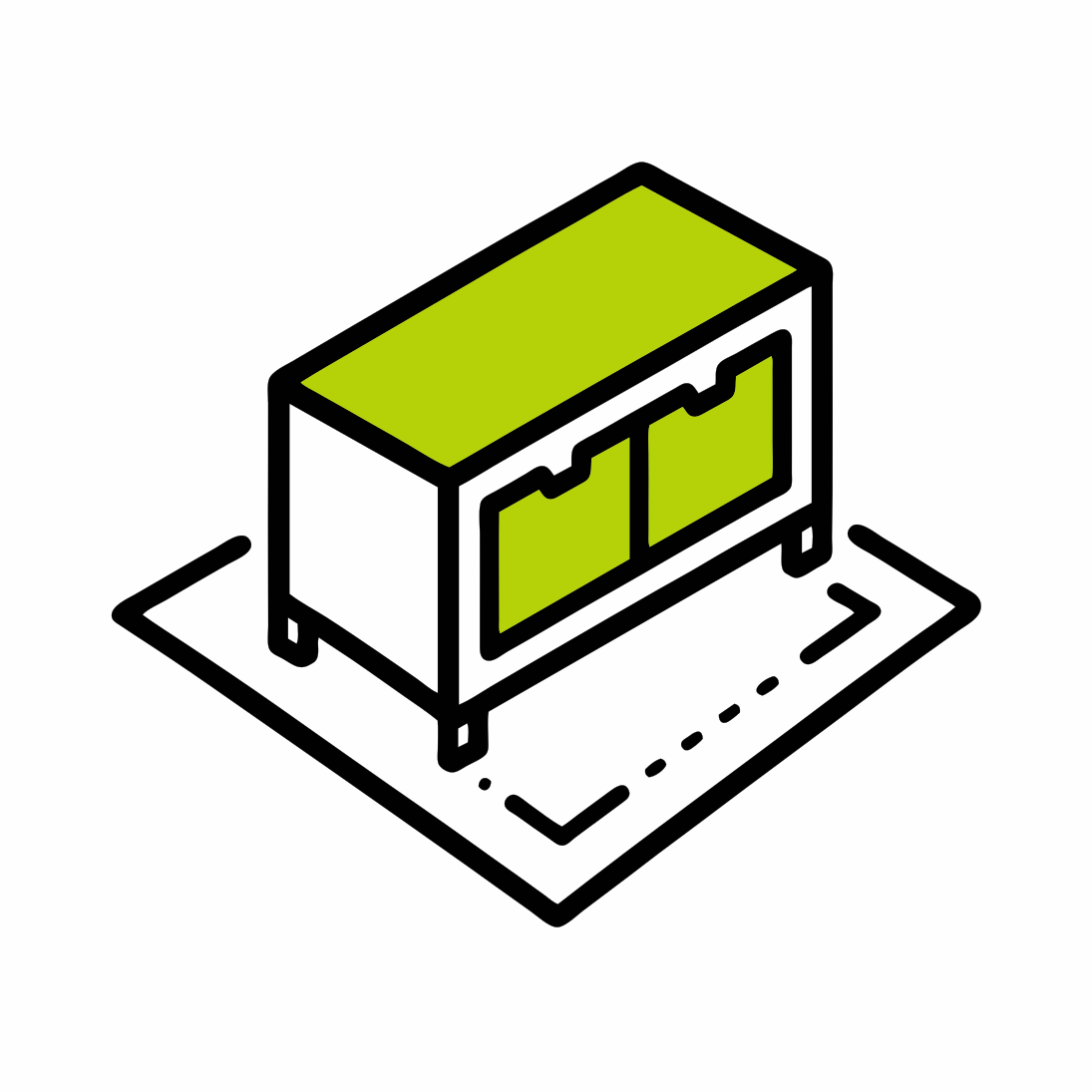
Project Planner
Storage Box
Configure a timber storage box and generate clear face plans, cut lists, and material layouts.
What you can customise
Set the overall width, depth, and height, then choose timber sizes, plywood, feet, and purchase lengths to suit your build.
What the planner outputs
Get face plans, colour-matched cut lists, plywood layouts, and a clear shopping summary ready to take into the workshop.
When to use it
Plan a storage box for a specific space or compare material options before you buy and cut.
From plan to project
Build instructions
Use the generated face plans and colour key to keep matching parts together. Dry-fit each stage before adding permanent fixings.
Cut and label the parts
Cut the timber and sheet parts from the generated lists. Label each piece with its plan name and check the finished dimensions before assembly.
Assemble the timber frame
Make the front, back, and side frames with square butt joints. Drill pilot holes and use screws suitable for the timber, keeping the rails square as each joint is fixed.
Fit the bottom and exterior panels
Place the bottom beneath the lower rails, using the shown corner cut-outs when feet are included. Fasten the panels to the timber frame with countersunk screws, checking that edges remain flush.
Fit the top and protect the box
Fit the optional top as a fixed panel or with lid hardware suited to its weight and intended use. Ease sharp edges and apply a finish appropriate to the timber and location.
The planner provides dimensions and material estimates. Confirm the fixings, lid hardware, finish, and structural suitability for the box's intended load and location before building.